Hobonichi Techo NEWS
Techo team members will be talking about sales information,
their recommended stationery, usage examples, and more.
[This is what I love about
the Hobonichi Techo!]
The “dots and lines” are
discreet but very useful!

Hello, I am Tsuruki from the Techo team.
In this series of the Hobonichi Techo News, we share with you “What we love about Hobonichi Techo!” Each day, a different member of the Techo team will introduce their favorite part of the techo.
What I love about the techo are the “dots and lines.”
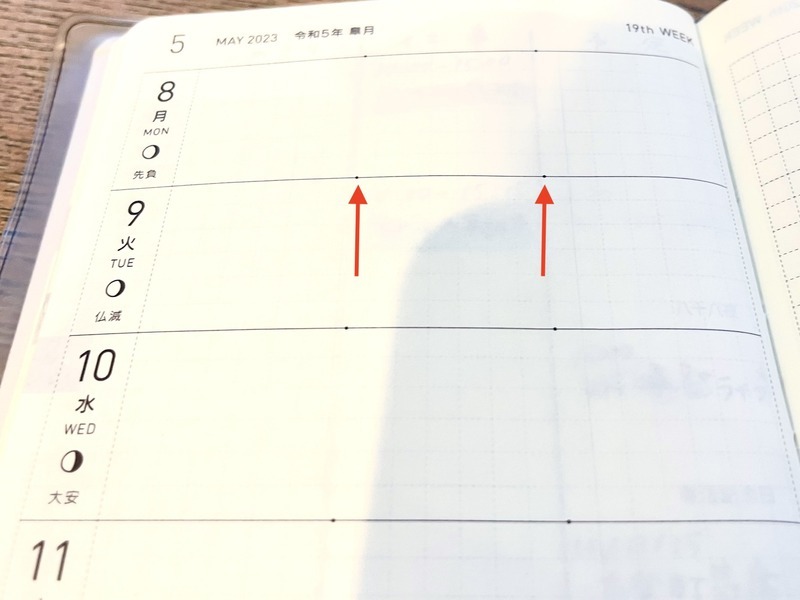
Take a look at these dots that are discreetly marked on the weekly page of the Weeks book.
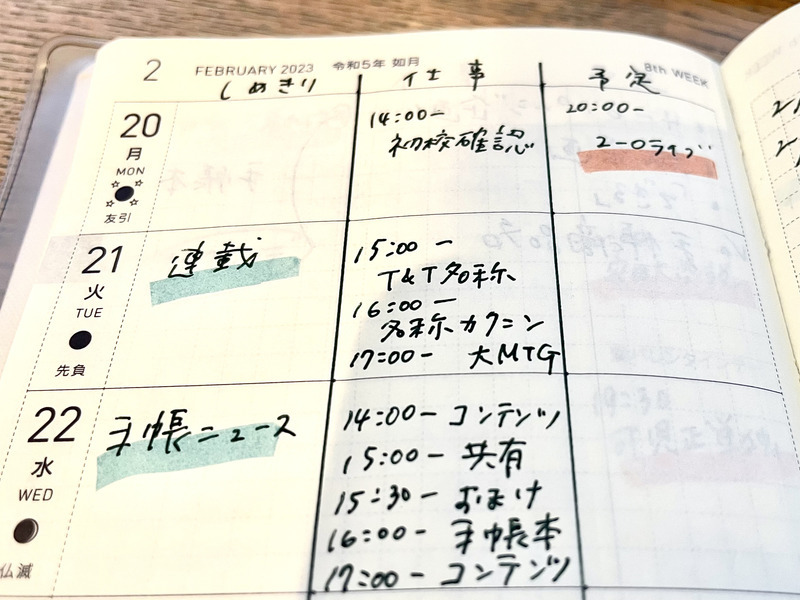
These tiny dots are so subtle that you can write on the page without thinking about them. However, they would come in handy if you use the dots as guides for dividing the day in a rough 2:1 ratio, or to draw a solid line and split the day into three parts.
This year, I started writing in three sections; “Deadlines,” “Work (schedule),” and “Plans (personal stuff).”
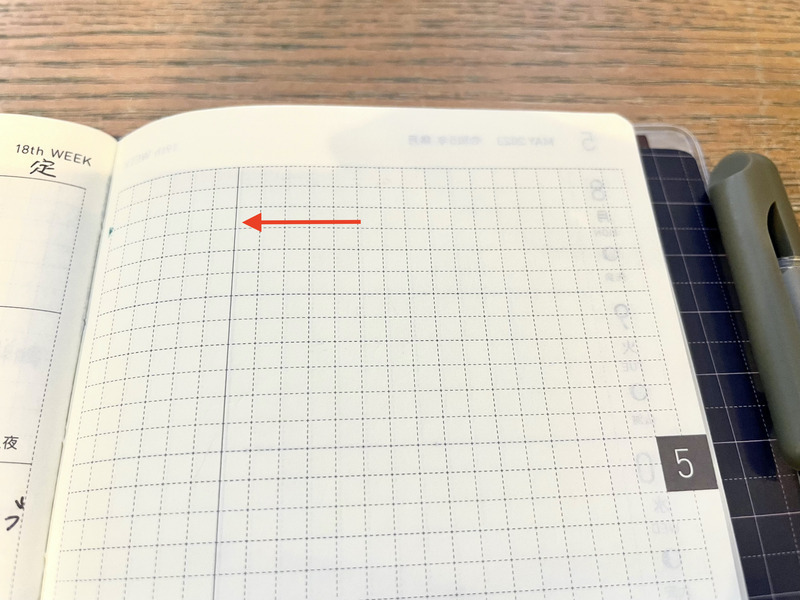
Another thing you would find is the “Secret Line,” a single vertical line on the right-hand memo page.
Although you can ignore it when using the page as a whole, it will work as a good guide when necessary.
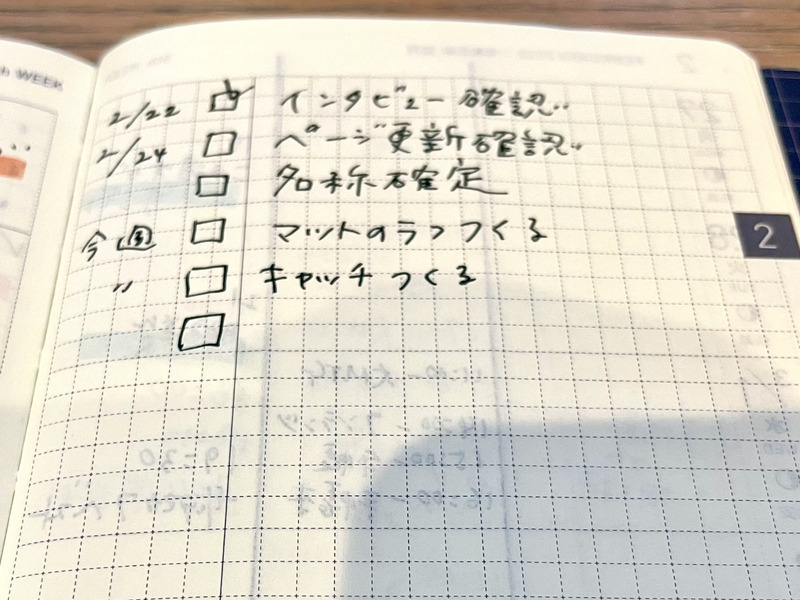
I use it as a divider for my to-do list. On the right side of the line are the items, and on the left side are the check boxes and the due date. I like to write along this vertical line because it makes the writing neat and easy to read.
I love how the Hobonichi Techo is created with originality and ingenuity like this.
We hope to see you in the next issue!
[This is what I love about
the Hobonichi Techo!]
Daily Quotes

Hello! I am Komata from the Hobonichi Techo team.
What do you like about the Hobonichi Techo? I guess there are many things, such as the ability to write freely, the replaceable cover, the user-friendly paper and binding, and so on.
In this series, we will have members of the Hobonichi Techo team share what they love about the Hobonichi Techo.
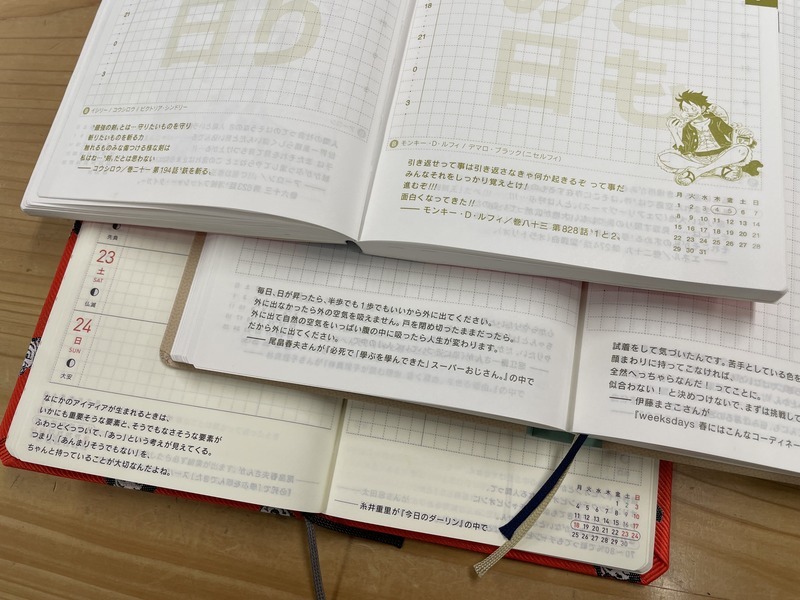
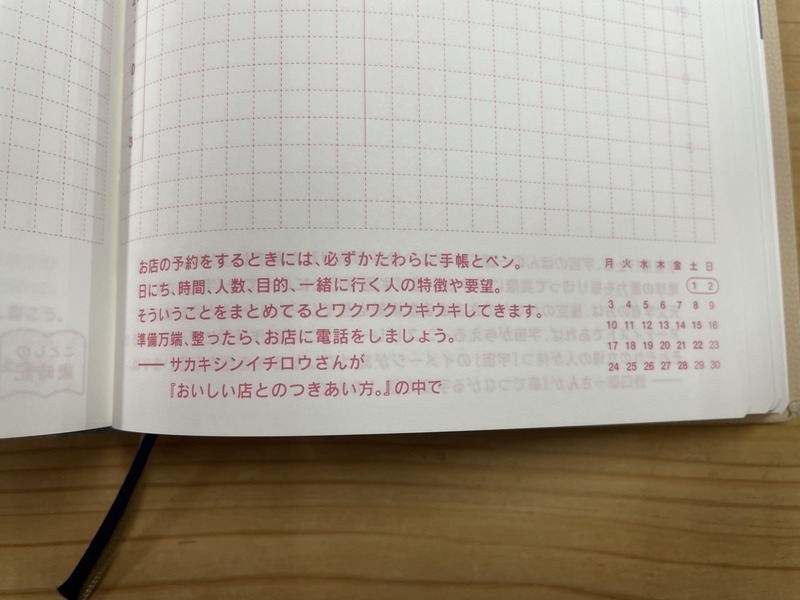
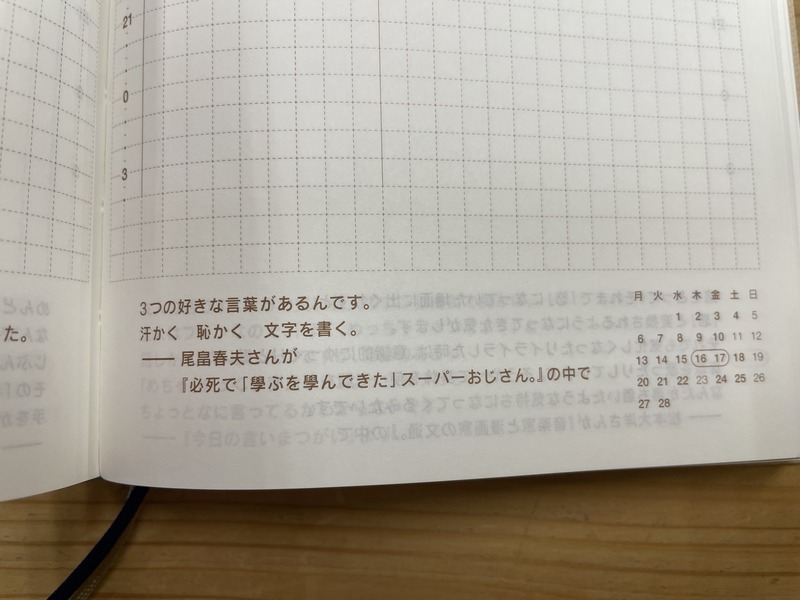
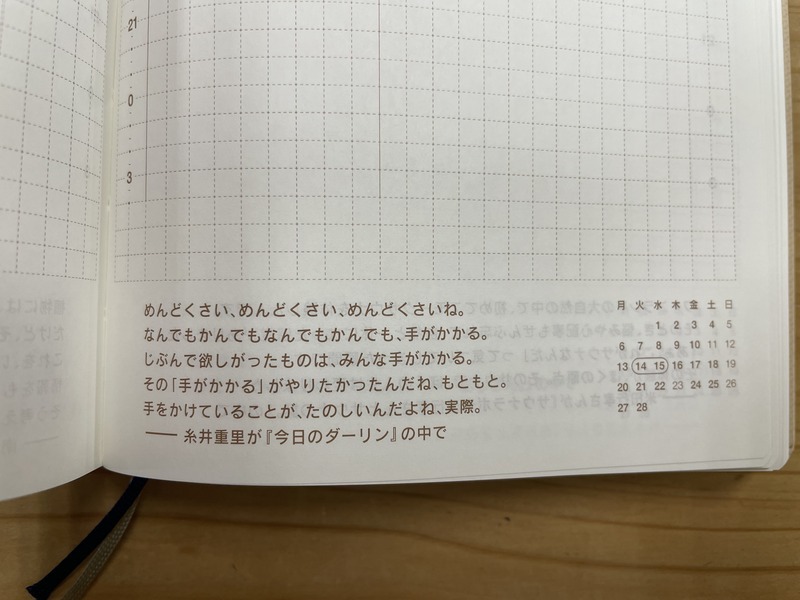
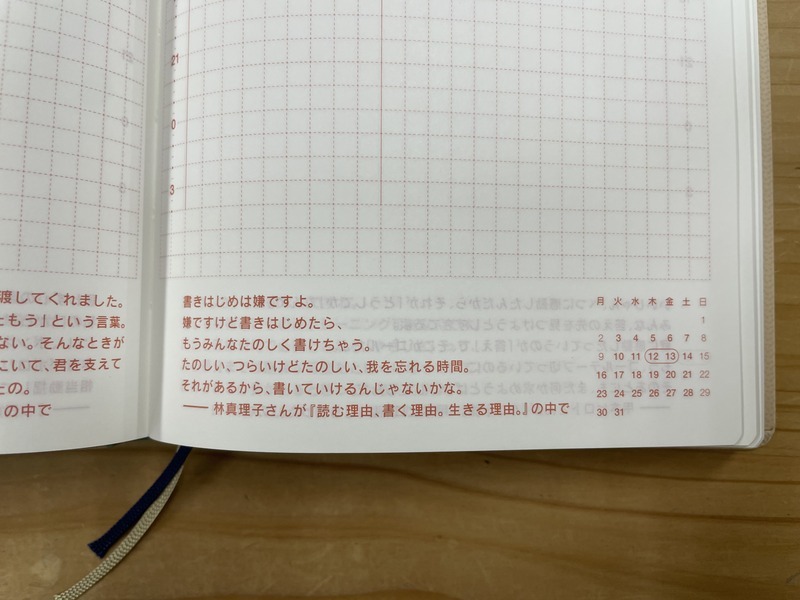
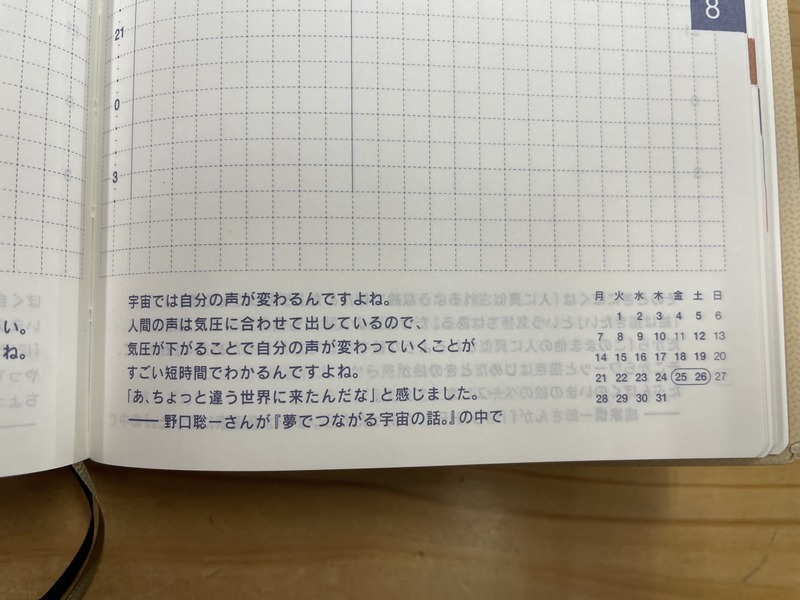
My personal favorite is the daily quotes.
The sentences catch your eye when you open the page of the day. Although they are only five or six lines long, they can tell you what is going on in the world that you don’t know yet, or give you a positive tip from an expert in the field. It’s interesting to see how the same quote can give you a different impression depending on your physical condition or mood when you are reading it.
I used to like reading books of quotes, so my first impression of the techo was, “I can read the Hobonichi Techo like a book of quotes with functions as a planner. What a good deal!” And that is one reason why I started using it.
I am using the One Piece Edition techo for this year, and since I have not been able to read the quotes in the techo carefully, I just flipped through it and picked up the ones I liked.
Various quotes from all kinds of people appear one after another. It’s nice to have a small “new encounter” every day.
Flipping through your techo and reading the quotes could be a nice way to spend your time, especially if you find yourself looking at your smartphone in your spare time.
We will be looking forward to seeing you in the next issue!
Pages to check out for techo inspiration

Happy New Year from the Hobonichi Techo team!
If you're a January-start user, today's they day you can finally start writing in your techo.
Here are some pages on the Hobonichi Techo Official Website to look at / use to make techo time more fun.
・・・
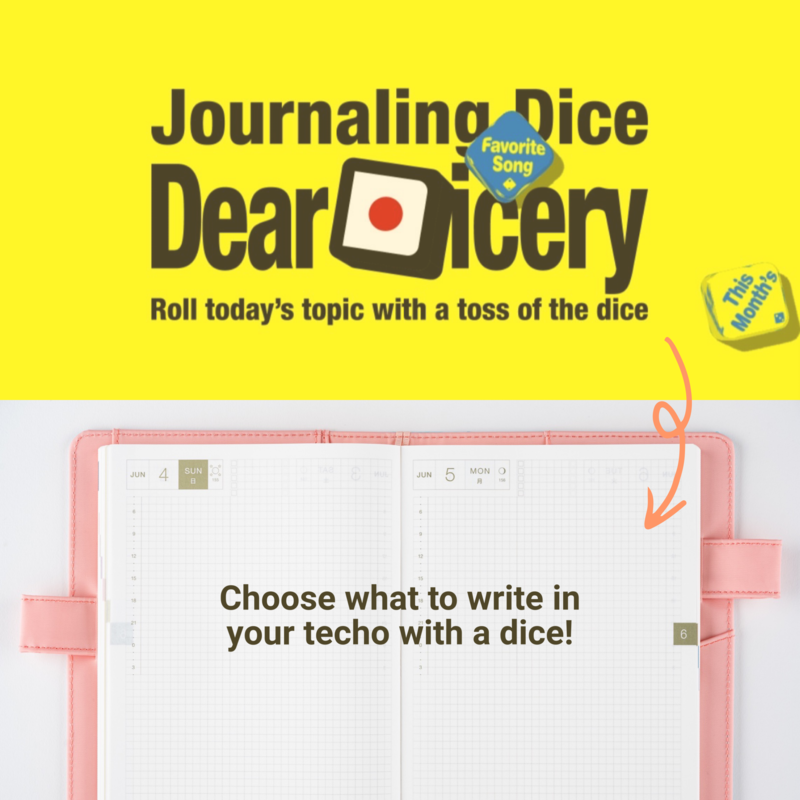
If you're stuck on what to actually write in your techo, why not try the "Dear Dicery" out?
Dear Dicery
On this page, you'll be able to roll 2 dice with a click of the button to reveal a topic you can write about that day!
・・・
You can also take a look at the "How It's Used" page with lots of usage examples for inspiration.
How It's Used
On this page, you'll be able to search by techo type or by usage, so get scrolling!
・・・
For longtime users looking to customize your techo, we have a page with lots of printables.
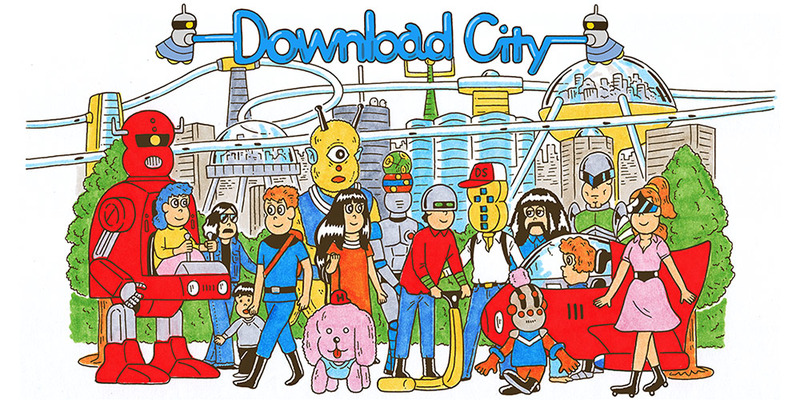
Download City
Choose a page that you might want to use, download that in a size that matches your techo, print it out, and paste it in your techo to use!
*The Japanese version of this page has lots more variations, so if you're interested, please take a look. (And we hope to expand the lineup of the English version sometime!)
Download City (Japanese version)
・・・
We hope your 2023 techo will be filled with lots of exciting memories!

Full Lineup Revealed Today! Check out the Photo Book page
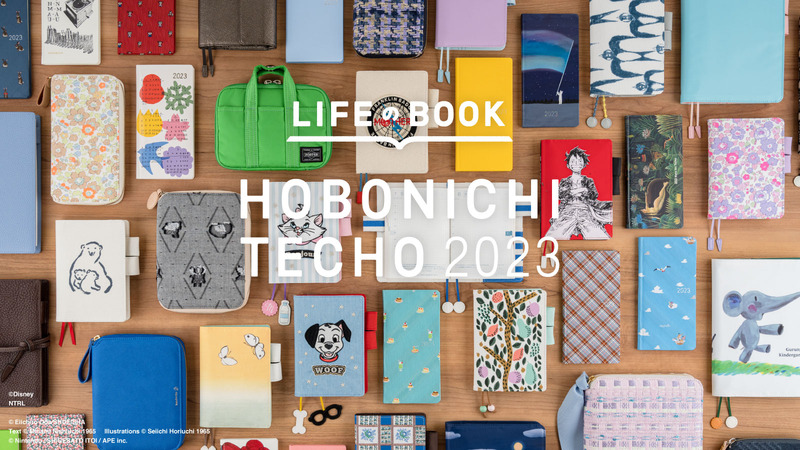
We have brought you the Hobonichi Techo 2023 preview over the past few weeks, but today, we are finally able to reveal the full lineup to you!
How do you choose which techo to go for every year?
It would be fun to look at each product from the full lineup page, or review the Preview Party page.
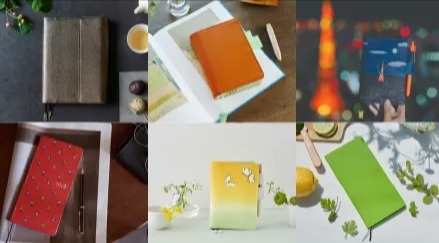
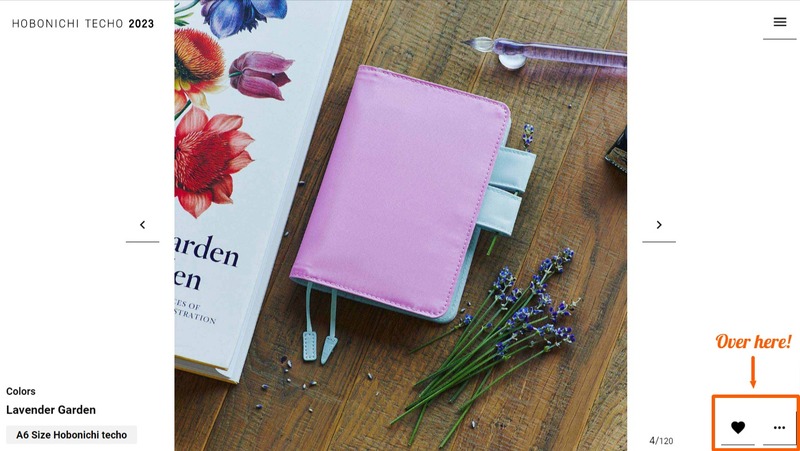
Another way would be to look at the Photo Book! You'll be able to see a photo per cover for all the techo covers and Weeks book that joined the lineup from the 2023 lineup as if you're flipping through a magazine.
Head Over to Photo Book page
It does make it harder to decide to see all the photos, but each photo encapsulates the concept of each cover, so simply looking at is exciting!
If you have any covers you're interested in, you can head over to its product detail page by clicking on the "..." button on the bottom right corner. You can also tap the heart button to add it to your favorites list.
There's a week until the lineup is available for sale. I hope you find your perfect companion for 2023!
[Hello! Download City: Vol.6]
Some printables from the Japanese page
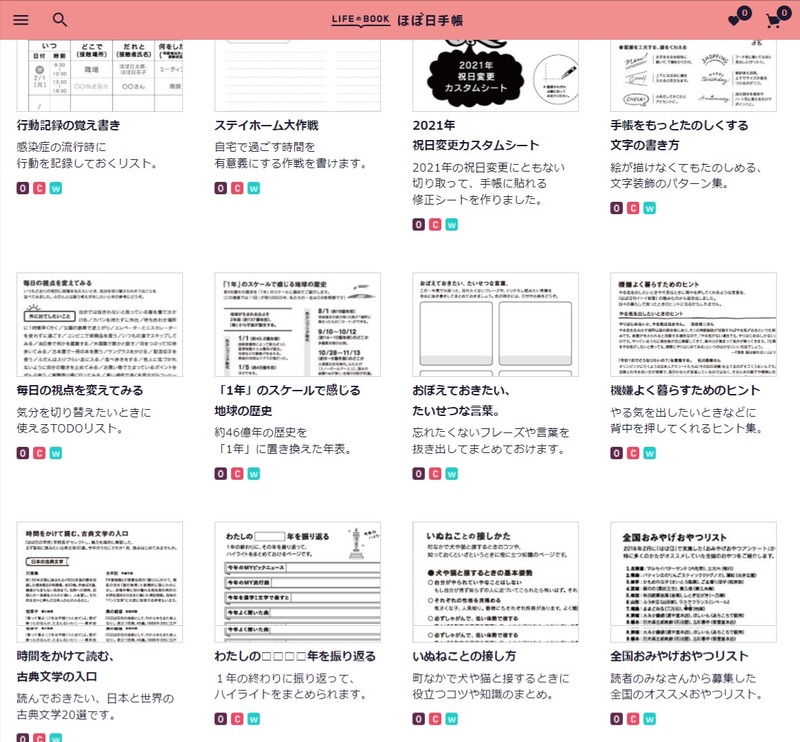
In the past few "Hello! Download City" series, I've been introducing you to the English version of the Download City, but there's also a Japanese version, which in fact has a wider variety of content available.
Japanese Download City
We are aiming to translate more files from the Japanese page in the future, but in the meantime, I've picked out a few pages that you can start using from the Japanese page that I think might be useful.
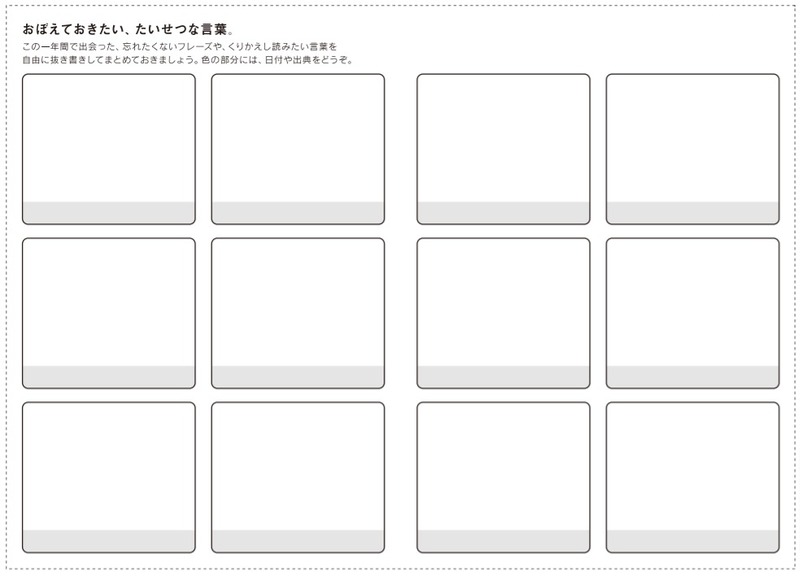
Words to Remember
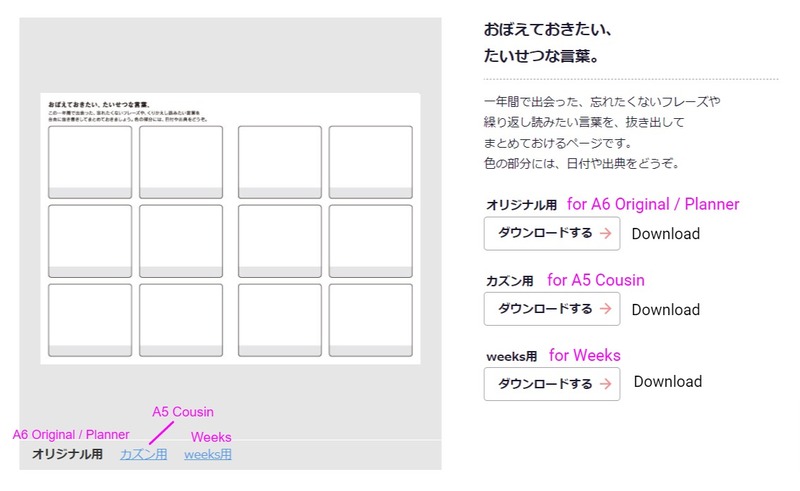
This page allows you to write down important words and phrases you've encountered throughout the year to occasionally look back on. Use the gray area of each block to write down dates or sources.
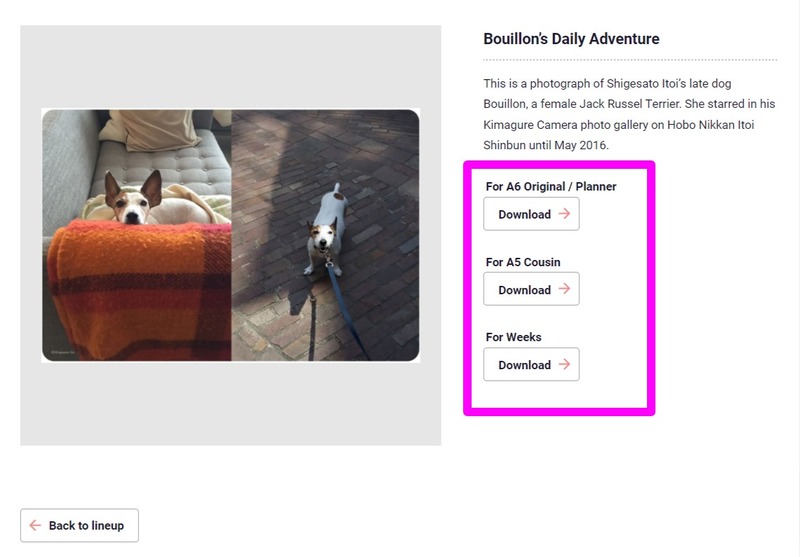
I've roughly annotated the Japanese here. You can see a preview of what you'll be downloading by clicking on each size of the gray box on the left. You can download by clicking on "Download" with the pink arrow on the right. This is the same for all other pages!
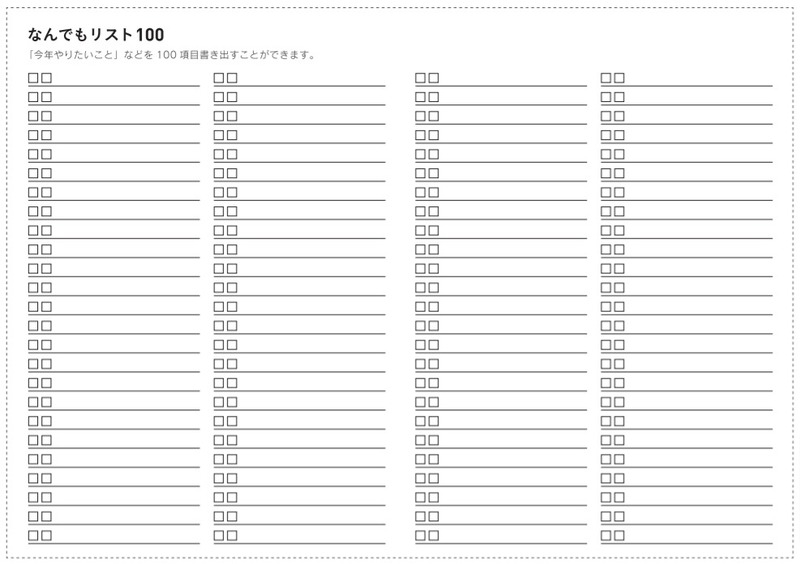
Anything List 100
Here is a list where you can write down 100 things, whether they be things you want to accomplosh this year, movies you'd like to watch or places you'd like to visit at least once in your life. You can tick off things you've accomplished using the check box. If 100 is a bit much for you, there's also a version with just 50 lines.
Please note this one is only available for the A6 Original / Planner size (but you can fold it so it fits the Weeks book). The one on the top is for the 100 version, and the one of the bottom is for the 50.
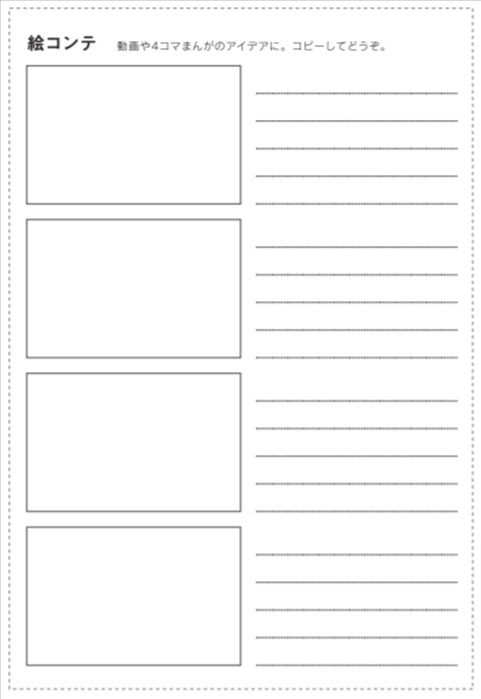
Storyboard
This sheet is a storyboard for 4 frames. Draw four frame comic strips, use it to come up with a storyline or convey an idea you've come up with with someone else. You can also paste a photo in the frame and write down a text to acompany it on the right.
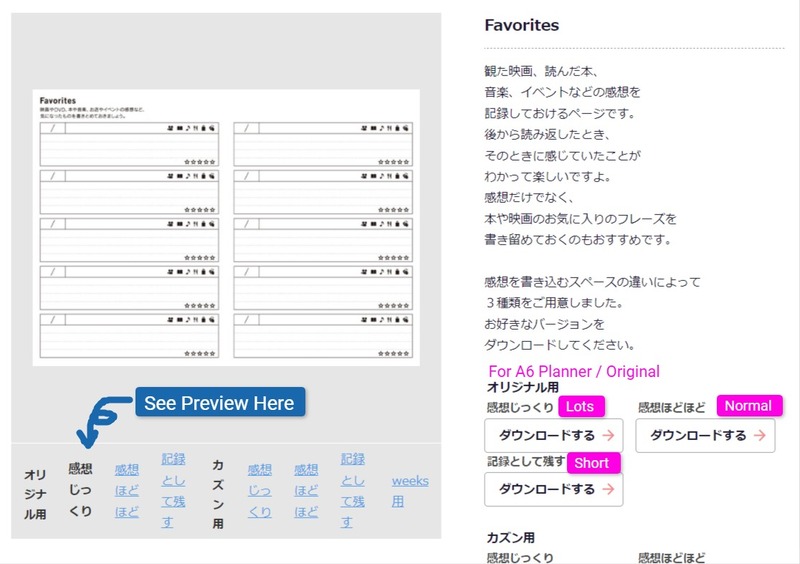
Favorites
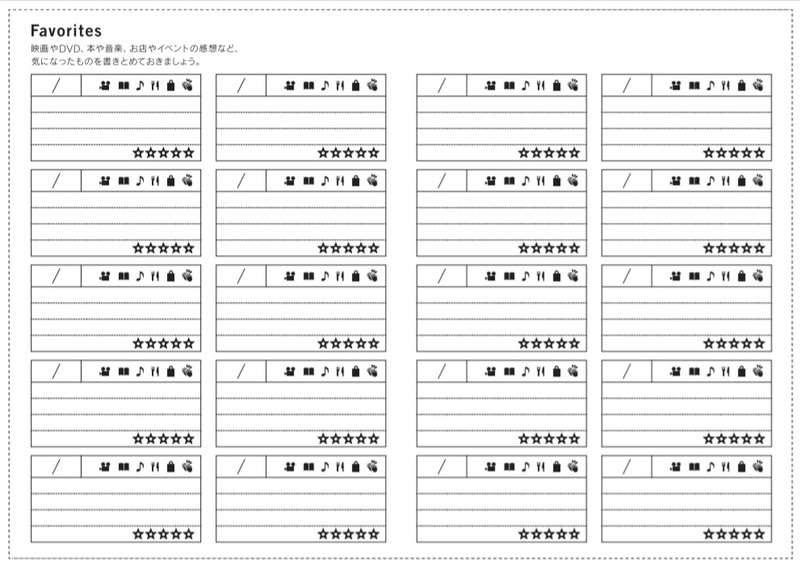
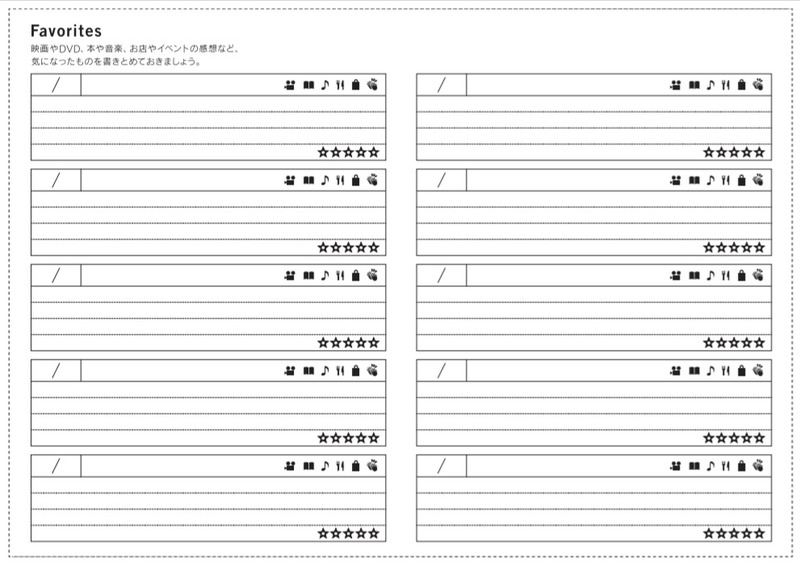
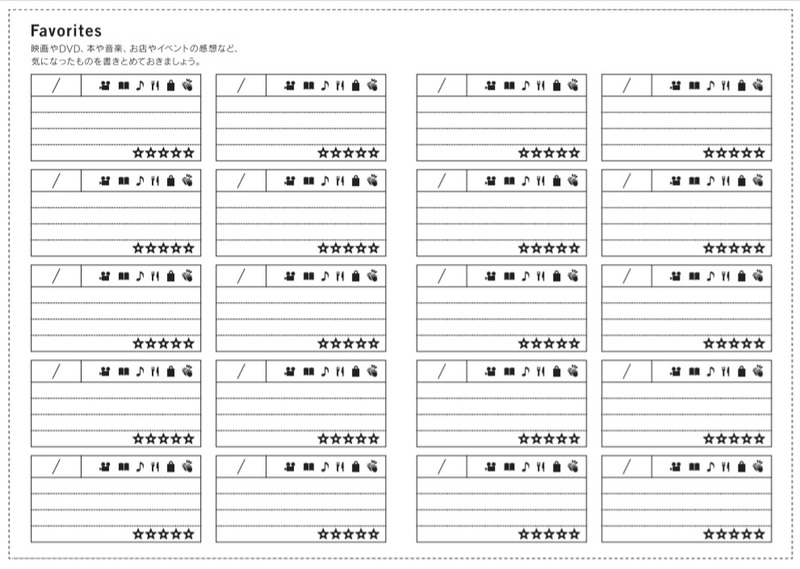
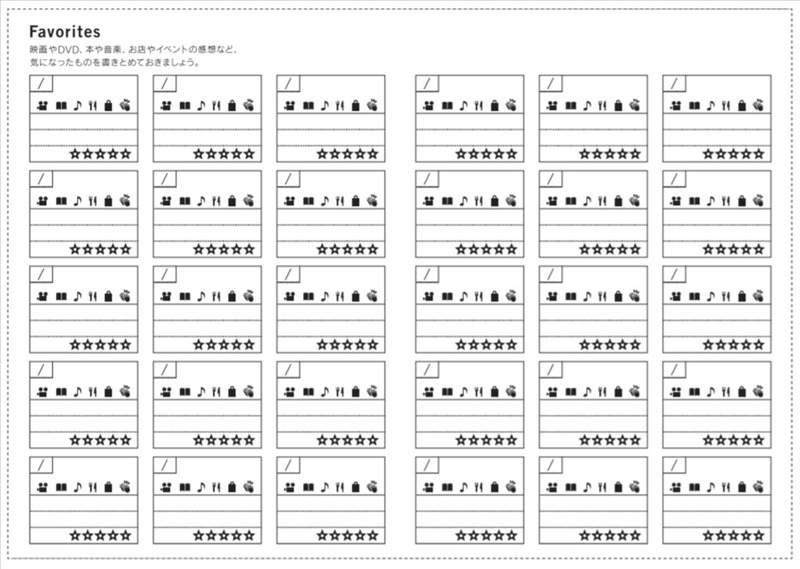
You might recognize this page from the back of your techo book - it's included in all techo types! Keep a record and thoughts of movies you've saw, books you've read, music you've listened to, events you attended all in this list. You can also use it to write down your favorite phrases from a book or movie.
For the A6 Planner / Original and A5 Cousin, we've prepared three types you can choose from, depending on how much you plan to write under each title. The Weeks has just one type.
Lots of space to write
Normal
Keep a short, simple record
Here's a rough annotation. Although the image only includes the A6 Original / Planner, the same goes for the A5 Cousin.
Once you print these pages out, you can cut off the top part that has the Japanese if it bothers you!
We are planning to translate several of the Japanese pages into English, but if there are pages you'd like to see, you can send them in from the City Request Box at the bottom of the Download City page. We'd love to hear your ideas!
You'll see something like this
[Hello! Download City: Vol.5]
Cover on Cover
Over the past few entries, I've talked about how the Download City is full of printables to custom your techo on the inside. Actually, there are printables to change the look of your techo from the outside, too!
Although it's probably not a relevant topic now that we've just started 2022 and you're just getting used to your new covers, I hope you keep this info at the corner of your mind to remember when you feel like you want a new look halfway through the year!
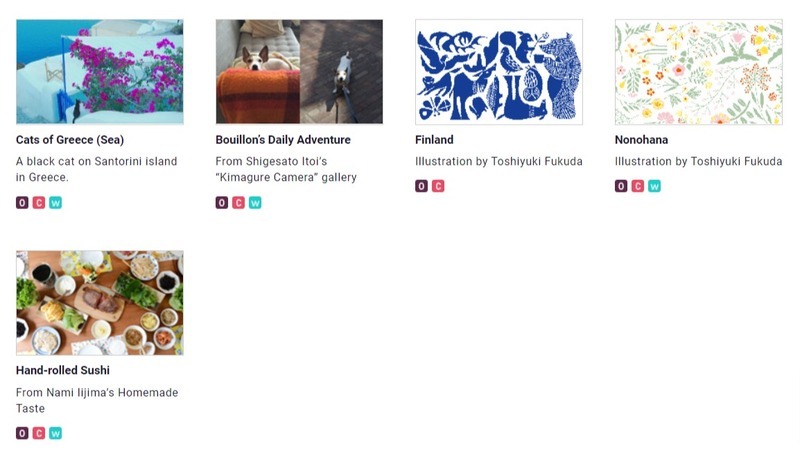
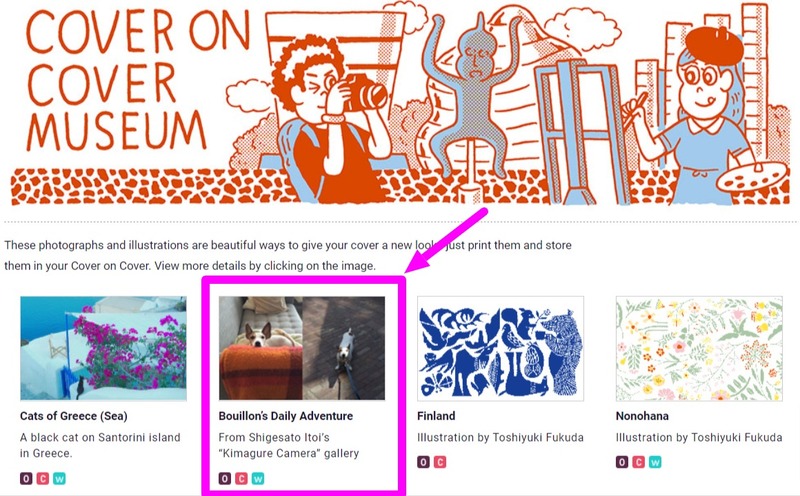
This is the Cover on Cover Musuem (scroll down to the bottom of the page).
Today, I'll be guiding you using "Bouillon's Daily Adventure."
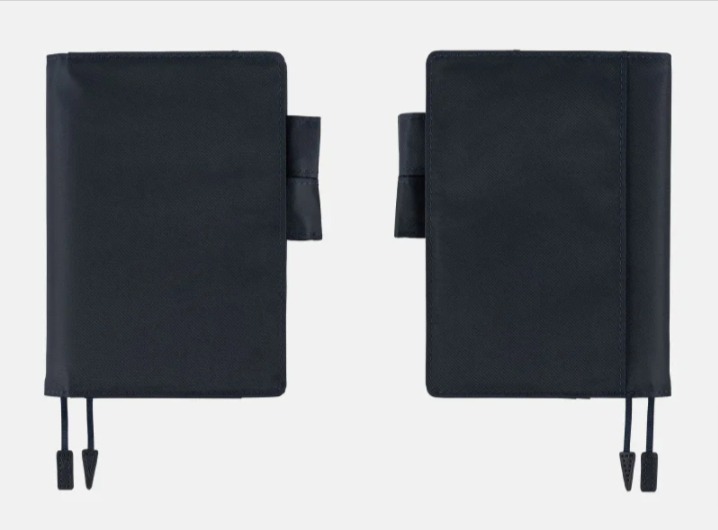
Please note that to be able to enjoy this, you'll need to use a Cover on Cover, which also means you need to use a cover that fits the Cover on Cover i.e. they need to be the shape with the two pen holders.
Cover on Cover for A6 Size
Cover on Cover for A5 Size
Clear Cover for Weeks
The cover shape should look like this
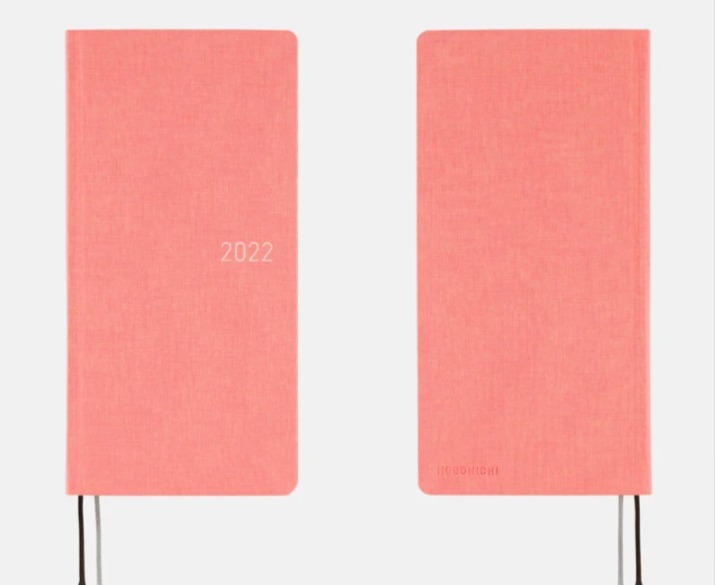
The Weeks works fine too
1. Pick a size of your choice
This time, I used the one for A6 Original / Planner.
2. Download and print out
When printing a Cover on Cover design for the Cousin, please select A3 as the paper size in the printer settings and use A3 or 11” x 17” Ledger size paper. Ledger paper will have some outer margin cut off, but this will not affect the main section you’ll be cutting out.
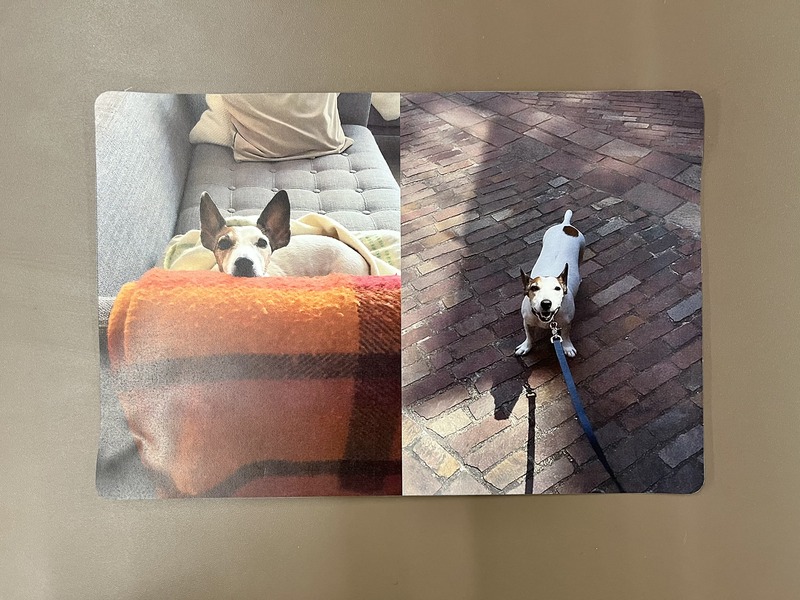
3. Cut along the gray lines
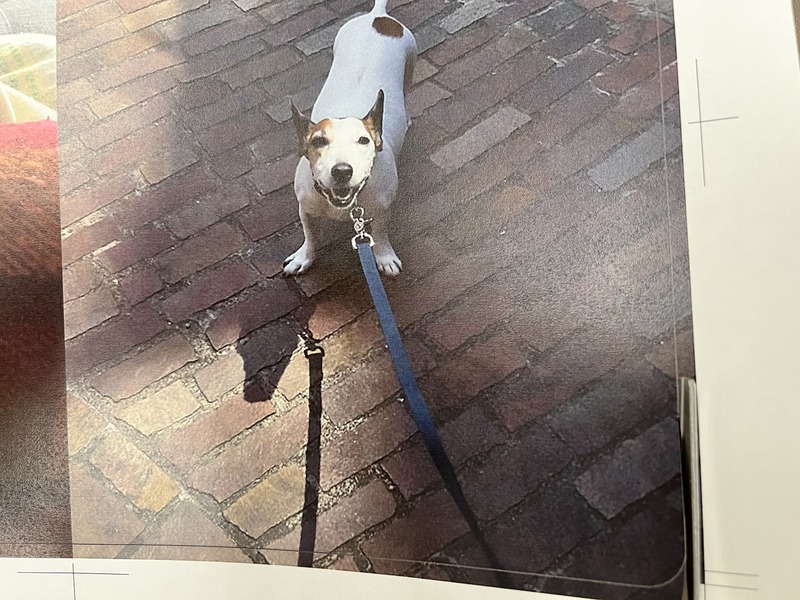
Be sure to cut along the gray lines and not the outline of the photo!
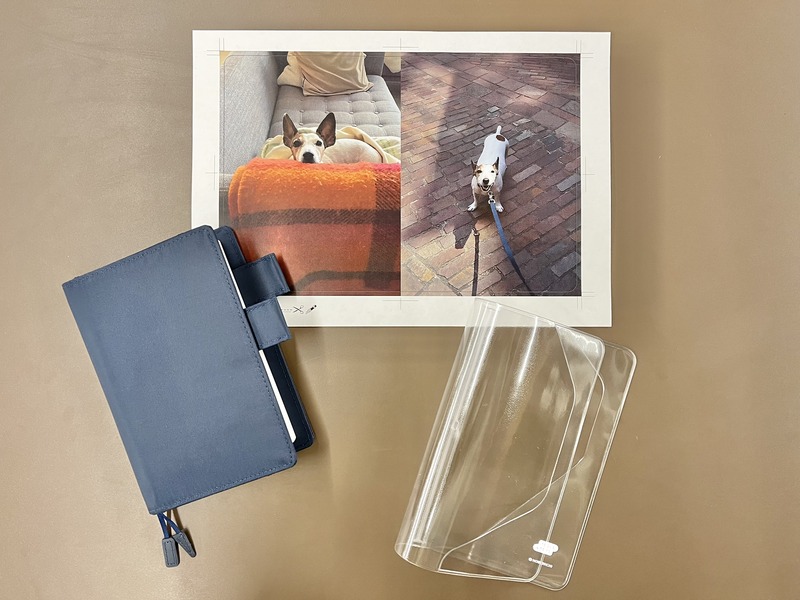
After you've finished cutting, it should look something like this.
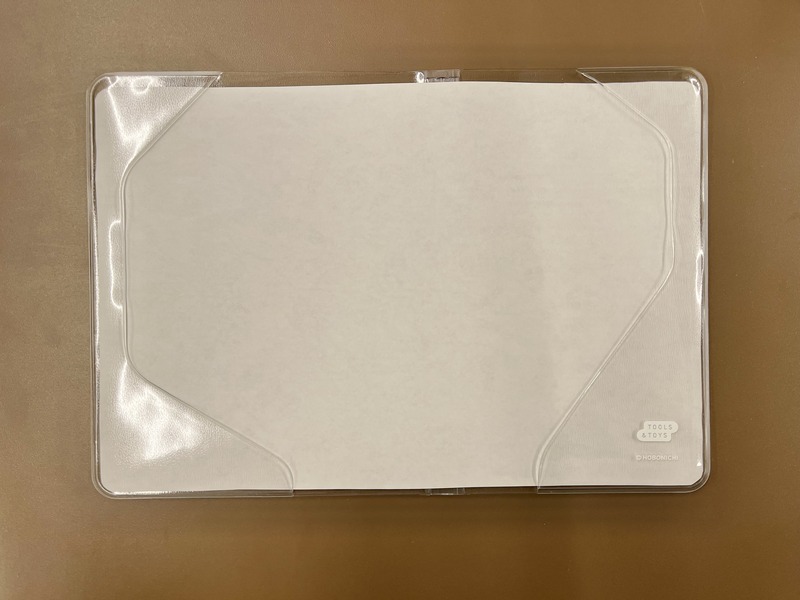
4. Insert it into the Cover on Cover / Clear Cover
I personally find it easier to slip the paper in the Cover on Cover, and then put it on the cover.
The inside of the Cover on Cover material is designed to resist ink stains, but please follow these guidelines to get the best results:
1. Please allow your print to dry completely before inserting it into your Cover on Cover.
2. Do not store your Cover on Cover in hot/humid places or in direct sunlight, as this can warp or decolor it.
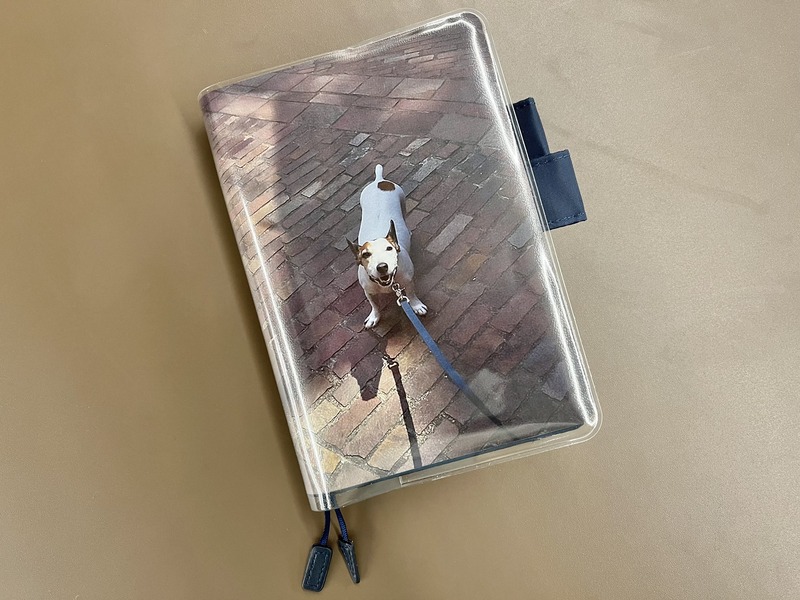
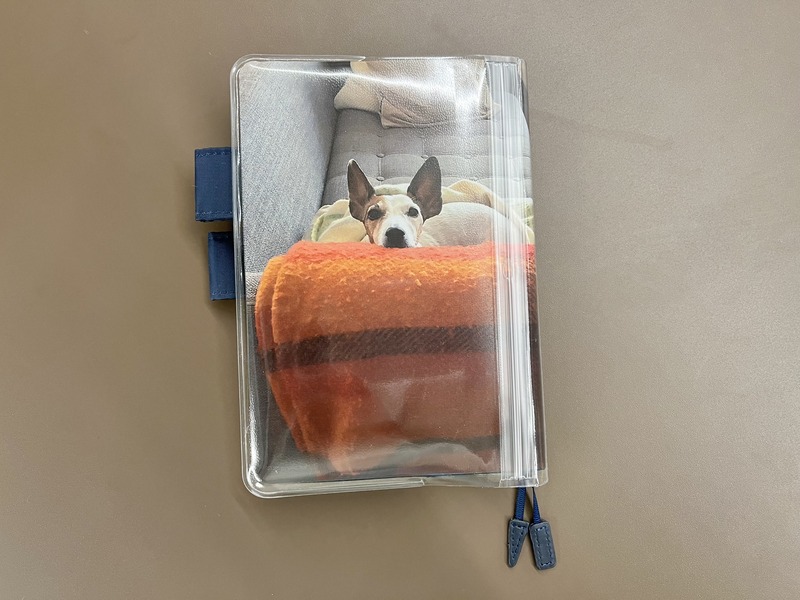
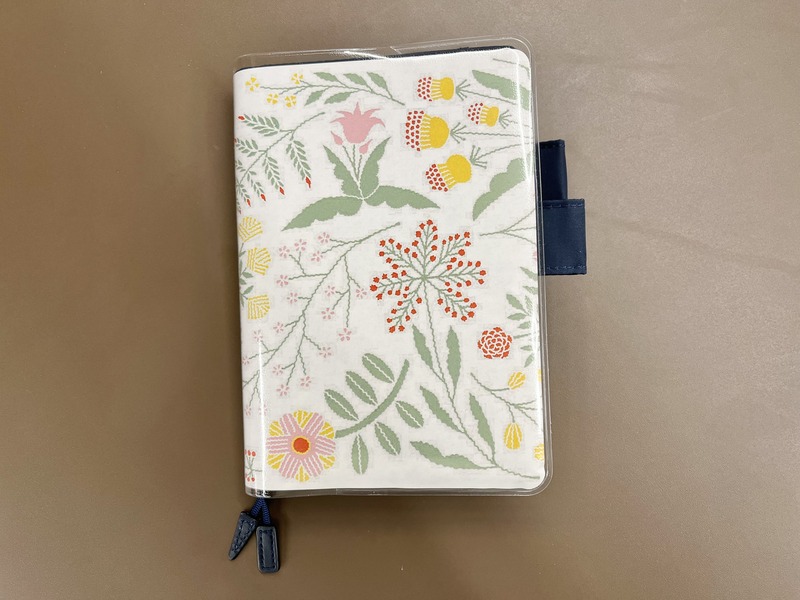
And that's it! The end result looks like this:
This is such an easy way to change the look of your cover. They look completely different depending on the photo you choose, too!
This is Nonohana
Have fun customizing your cover!
[Hello! Download City: Vol.4]
My 100
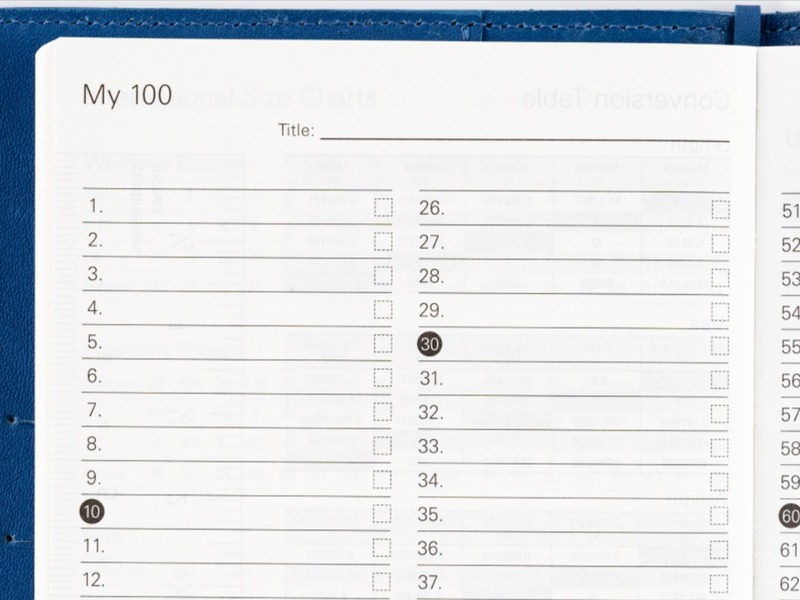
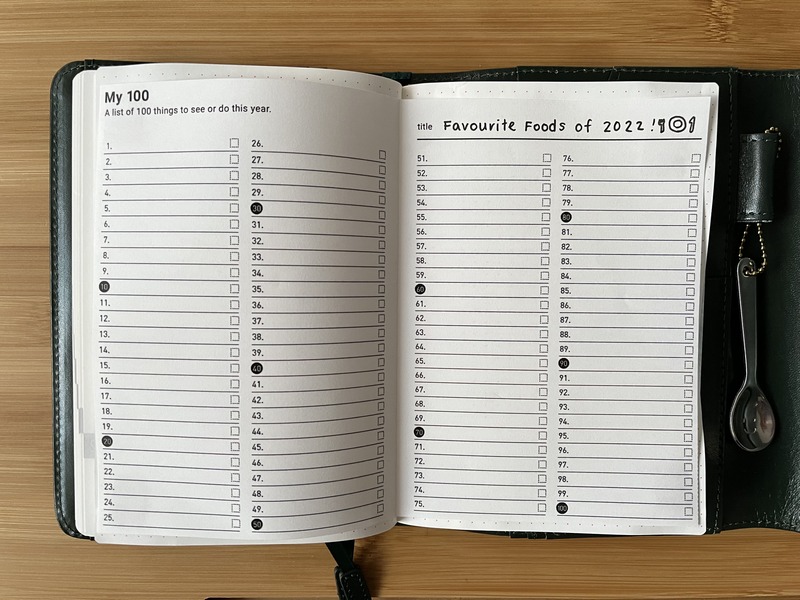
One of the Bonus Pages at the back of the techo book I find useful is the My 100.
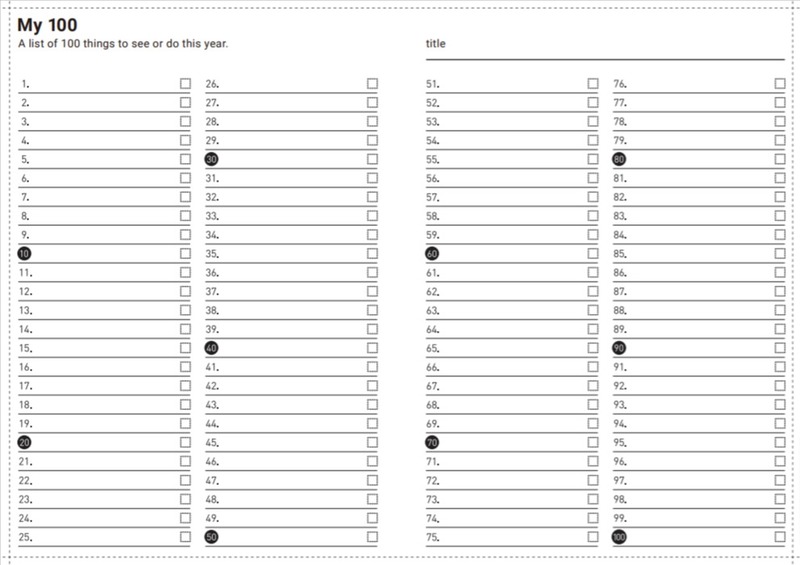
This is a handy list where you can write 100 things under any topic of your choice, whether it be books you've read, songs you've listened to, movies you've watched, or food you ate.
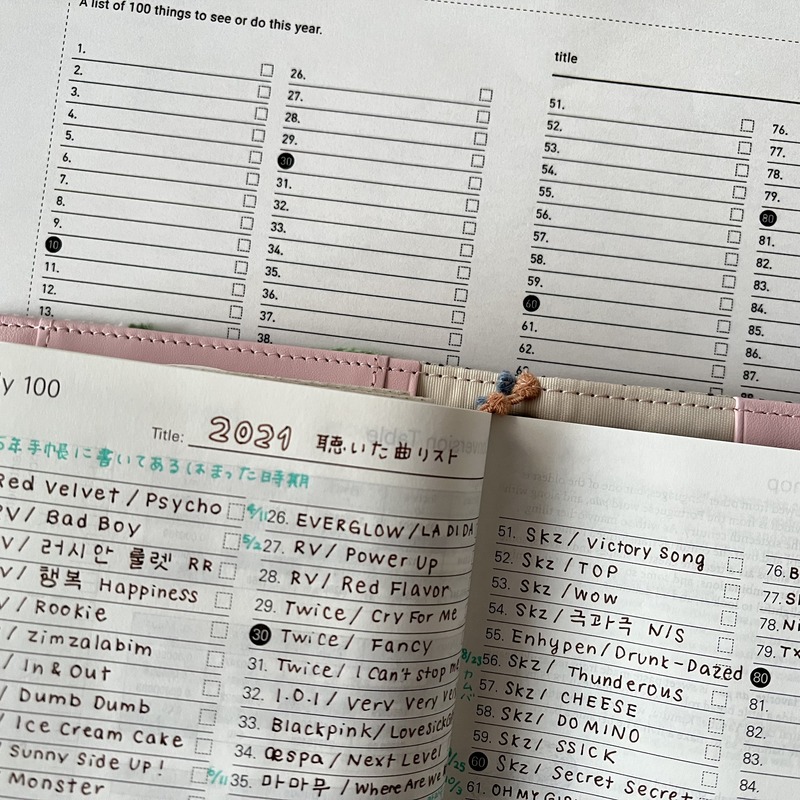
In 2021, I used the "My 100" in my Planner to write down the songs I listened to (very K-POP orientated that is) because I feel songs bring back your memories vividly. Is that just me? Sometimes, I hear a snippet of a song (like on TV or the radio, or in a shop) that strongly reminds me of a certain period in my life . . . only to not be able to remember what the song title was which means I can't search for it to listen to the rest. Having experienced this a few times, I decided to write down the songs I listened to and write down relevant dates when I can.
This was actually my first time using the My 100, but I realized how nice it is to be able to list all of my favorite things and to look back at a glance. It made me want to create lists for other topics as well, and . . .
that's where Download City comes in! You can download and print out as much as you want, so you can create lists for various topics and paste them all into one techo. I'm planning to continue my song list, and add a list for favorite foods and books I've read!
> Download My 100 (Available in all sizes)
Happy New Year!
Happy New Year! On behalf of the Hobonichi Techo Team, thank you so much for your support in 2021. We wish you all the best in the new year!
Every year, we hold a Hobonichi Techo Omikuji in which readers draw a randomly assigned fortune. This year’s Hobonichi Techo Omikuji has a total of 22 cats in various poses, from singing and playing to sleeping and eating. Come see the 22 delightful cats who will help us set our goals for the New Year and see just how your 2022 will turn meowt!
On a side note, the cats meow (quite realistically) when you draw the omikuji, so it's worth checking it out just for that! It will also be a great topic to write on the very first page of your techo for 2022.
We hope you’ll spend the coming year with a Hobonichi Techo, and if you do we hope you have just as much fun as all the cats in the Neko Mikuji!
> Check out the Neko Mikuji
[Hello! Download City: Vol.3]
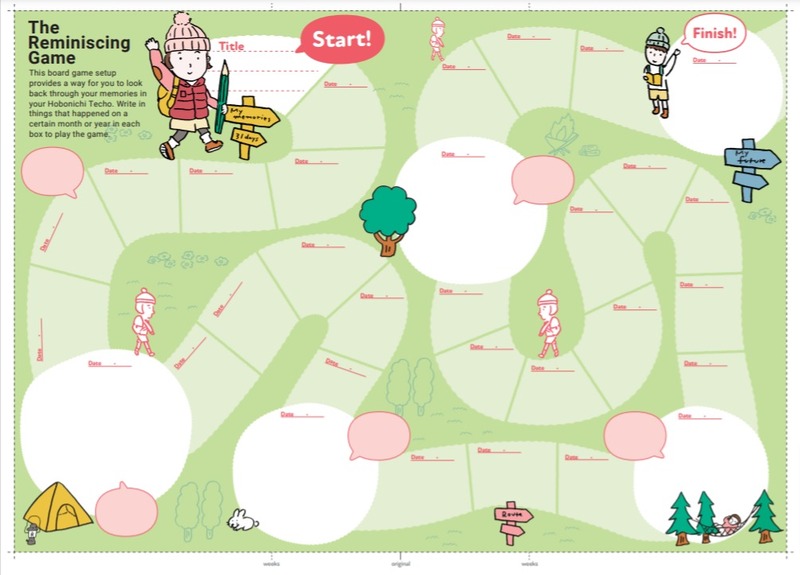
The Reminiscing Game
Can you believe it's already the last day of 2021? I feel like this year has gone by in a flash! (as cliche as it sounds)
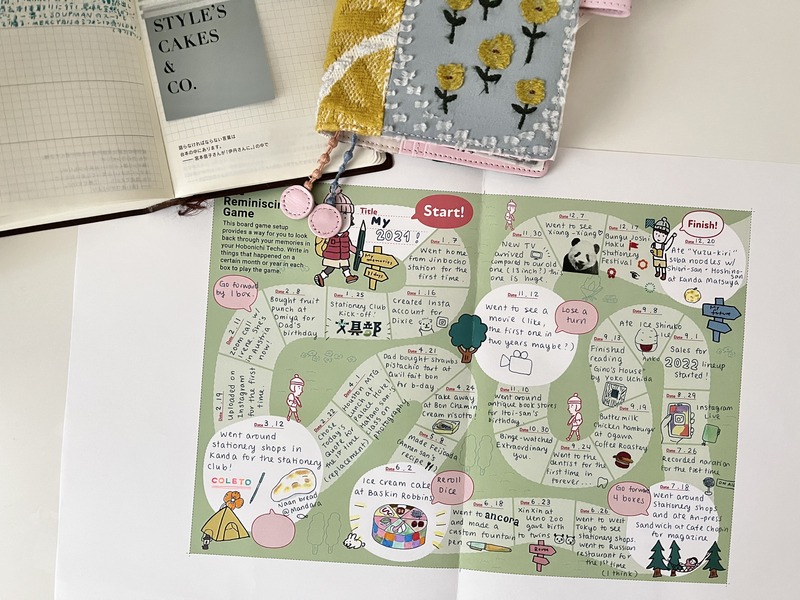
To go over my events this year, I decided to download the Reminiscing Game from Download City.
> Download City
> The Reminiscing Game
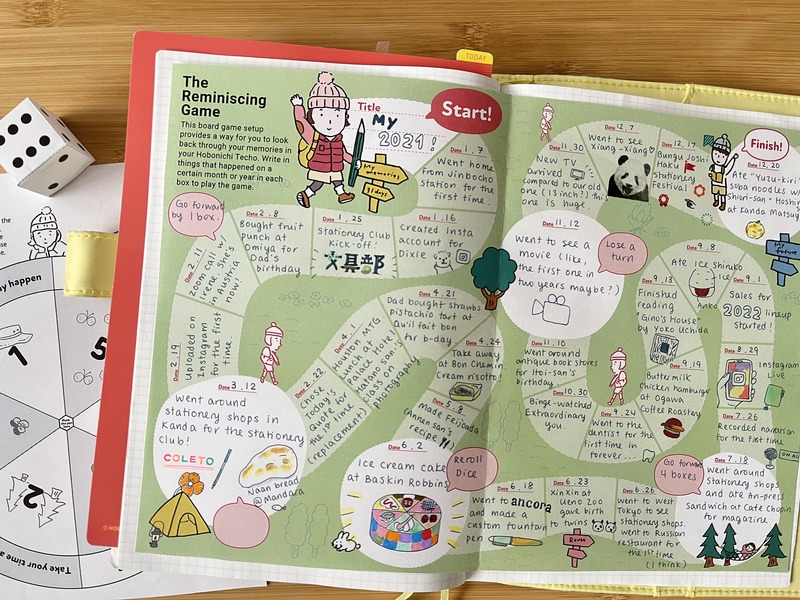
This board game setup provides a way for you to look back through your memories in your Hobonichi Techo. There are 31 boxes to fill, so you can write in things that happened on a certain month or year in each box to play the game.
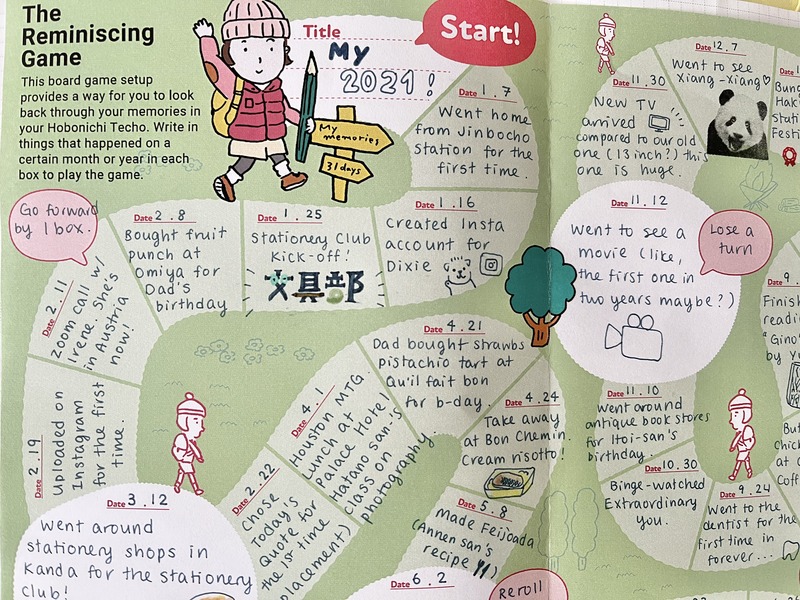
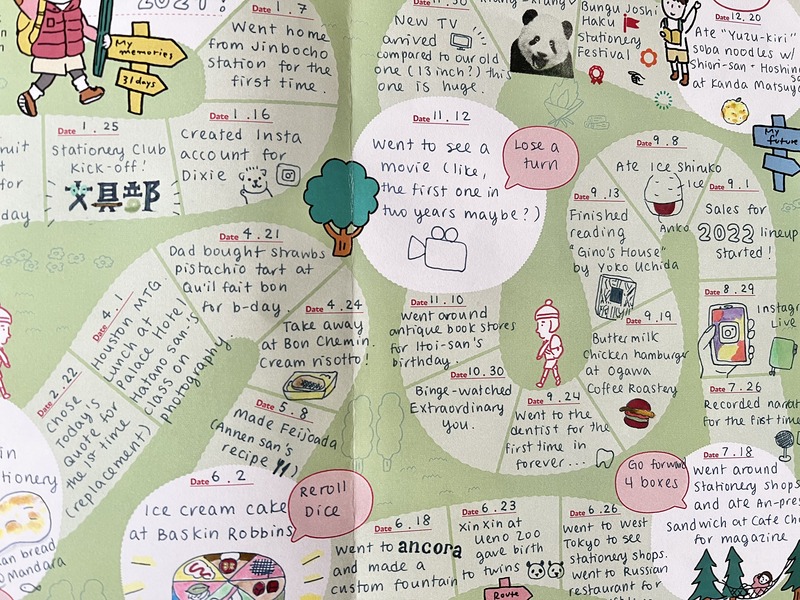
I decided to make a board game titled "My 2021," so I went ahead and flicked through my 5-Year Techo for 2021 to remind myself what I have been up to this year. The process of looking back at past entries was more fun than I thought! I roughly wrote down entries that stood out to me in a notebook before I wrote them down on the board game. I'm glad I did this, because I actually picked up about 50 topics at first and had to narrow it down by quite a bit! By creating a draft beforehand, I was able to evenly space out my events across the year (as much as I can).
This is the end result! (I used the one for A5 Cousin size)
I cut this out and pasted it in my Cousin (which is my work techo. I have been juggling between three techos this year . . . )
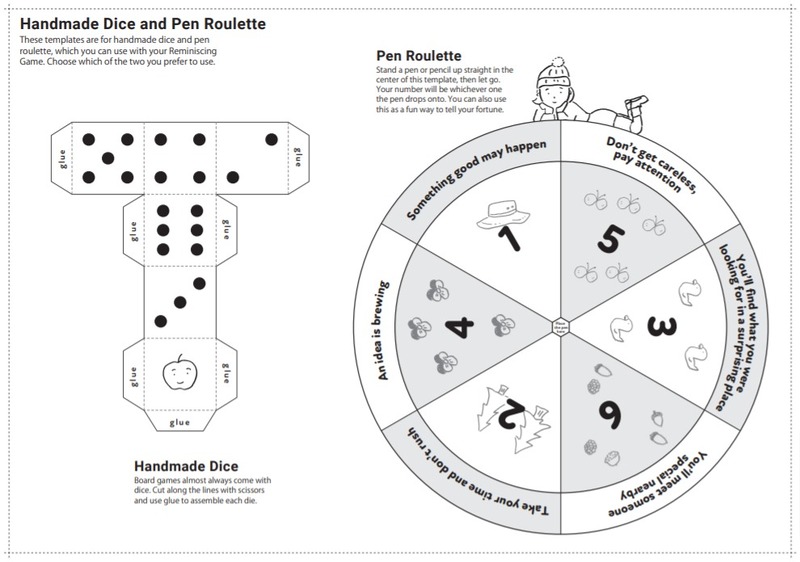
The dice and the roulette you see peeking through are also available for download. You can fill in the red speech bubbles in the board game to add instructions like "lose a turn" or "reroll dice" to spruce things up.
It would be fun to create a board game every year and for you to pull out your past techos to play with it every once in a while! Also, although I used it to reflect on the year, you can also use it to look back on each month.
I did look back at my old techos before, but actually picking events out of it and writing it down helped me reminisce on each event more vividly. Also, it's nice to have a colored page in your techo - I think it makes it look cute!
[Hello! Download City: Vol.2]
365 Days: Check-Off Sheet
With 2021 almost coming to an end, I'm sure many of you are prepping for your techo for next year (me included!). You might be customizing the yearly, monthly, or daily pages with stickers or by sectioning them to your needs, but how about customizing the pages at the back?
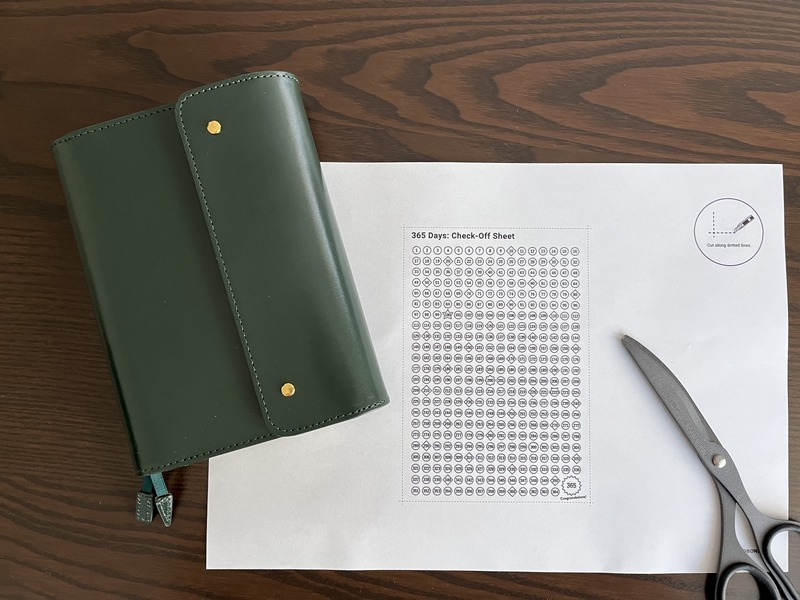
The Download City has lots of pages you can print out and paste to the memo pages at the back (or anywhere you want). To customize my techo for next year, I decided to print out and paste the 365 Days: Check-Off Sheet!
My techo for 2022: Into the Forest and the Planner. Into the Forest is planned to restock on February 1st at 11 AM Japan time!
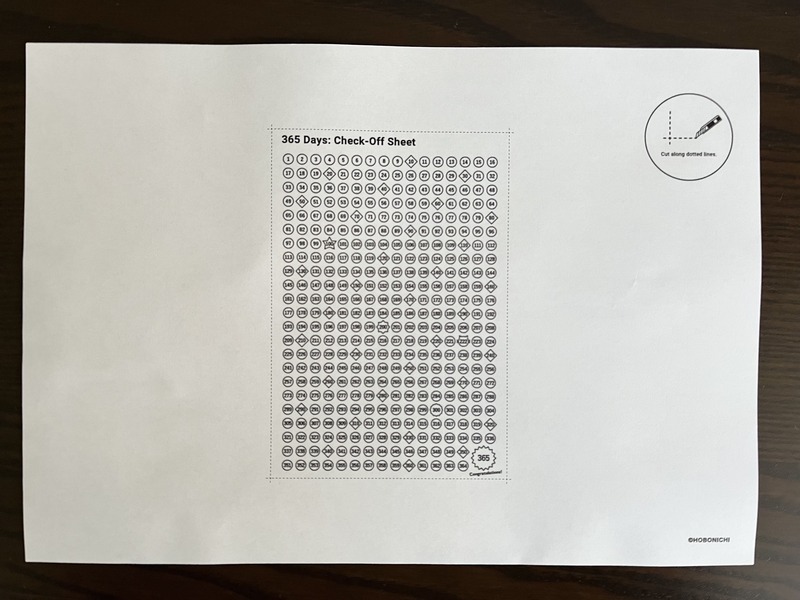
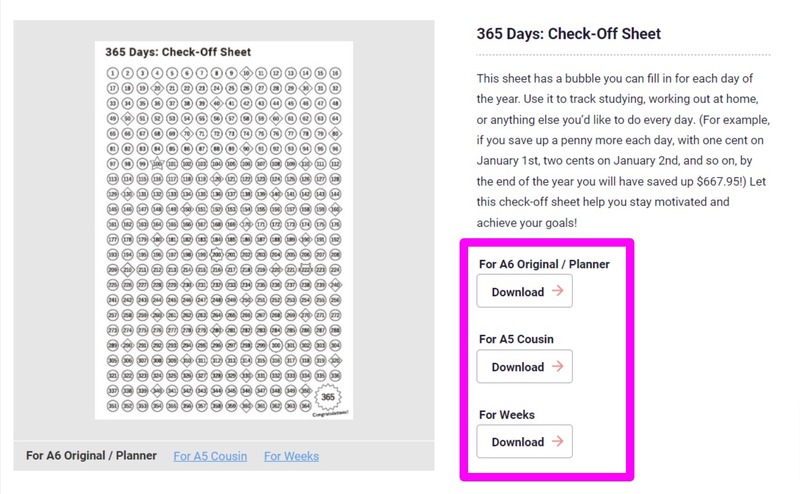
This is the 365 Days: Check-Off Sheet (for the Planner/Original size).
It has a bubble you can fill in for each day of the year, and you can use it to track studying, working out at home, or anything else you’d like to do every day!
Here's a step-by-step instruction on how you can print and paste one yourself.
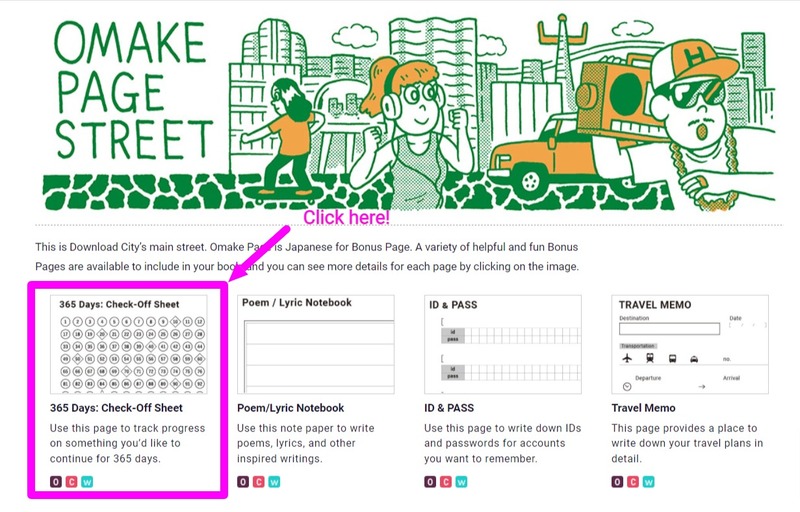
1. Go to Download City
Click here to visit the page.
2. Click on "365 Days: Check-Off Sheet"
Or you can click here to go to the page directly.
3. Click on a size of your choice and print it out!
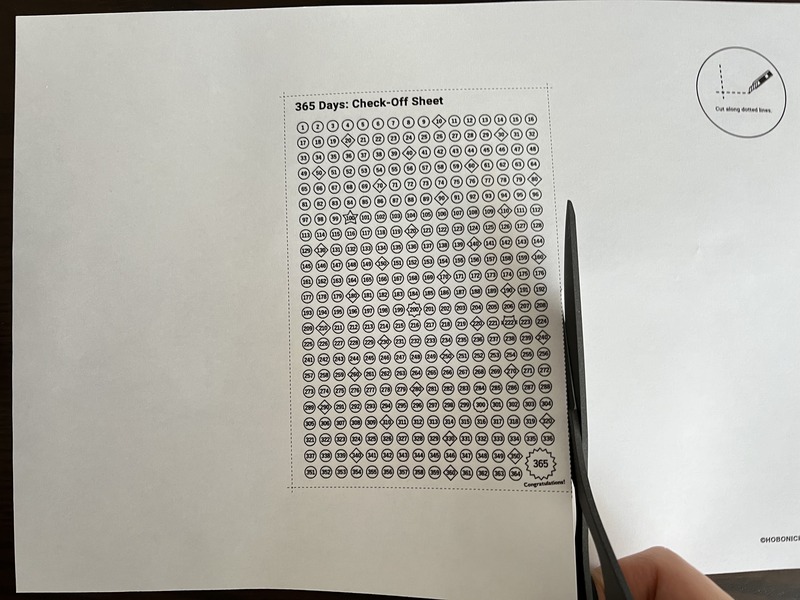
Make sure your printer settings is set to 100% scale.
4. Cut it out along the lines
And ta-daa! That's it!
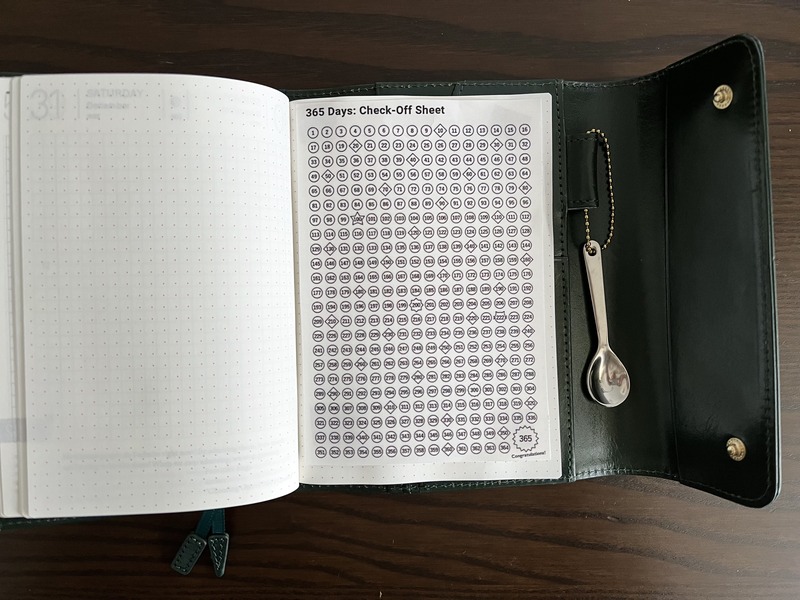
I went ahead and pasted it to one of the memo pages at the back of the book.
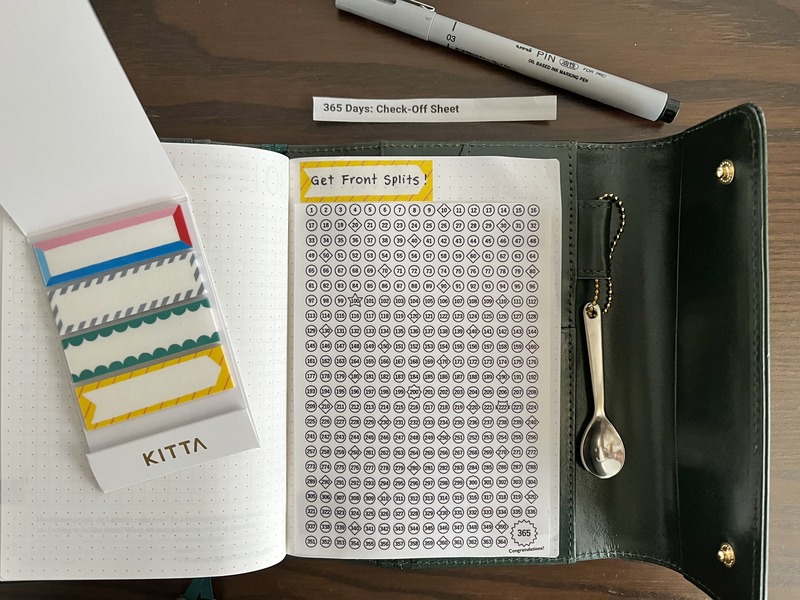
One of my goals for 2022 is to achieve the splits, so I'm going to color it in every day after I stretch. Fingers crossed I can keep it up!
You can also cut off the title at the top to create some space to write down your own title. I wrote down my goals "Get Front Splits!" on the Kitta (Frame 2) to make it stand out.
The good thing about Download City is you can print out as many as you want. If you're super motivated and have several things you want to continue every day, go ahead and print out several of these sheets so you can use one per goal! It must be so rewarding to see them all colored in at the end of the year.
That's it for today! See you next time with another "Hello! Download City!"